 +86-13302884568

The processing method of no sound in LED Bluetooth audio system
1. First, check if the Bluetooth driver on the computer is installed correctly. Right click on "Apply" on my computer, then click on "Device Apply" and open "Universal Serial Bus Control". If there is a yellow exclamation mark in front of it indicating that the driver is incorrect, please download the correct driver from the official website or use the driver wizard to download it actively.
2. After acknowledging that the driver is correct, right-click on the speaker in the bottom right corner of the computer to select the "Broadcast Device" and select the "Broadcast" tab. You will see the connected broadcast device.
3. Select "Bluetooth earphones" from the available broadcast settings, then click "Set as default" below, and then click OK.
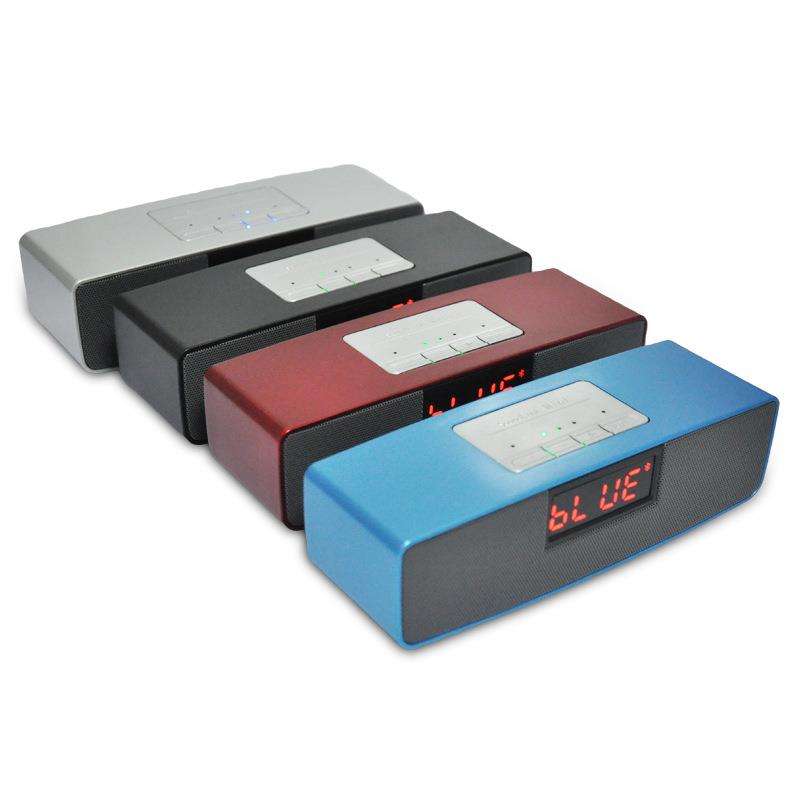
4. Place the mouse over the small speaker in the bottom right corner, and you will see that the speaker (bluetooth) is displayed as 100%. The sound is now output to the headphones.
5. Open a sound file randomly for testing, and then acknowledge whether it is correct.
Successfully connected computer Bluetooth earphones but no sound
matters needing attention
It is necessary to acknowledge whether the driver is installed correctly. If the driver is not installed correctly, this method may not be successful.
Article source: LED Bluetooth audio system http://www.zdchip.com
-
05-18
Usage of LED Bluetooth audio system
The small and exquisite LED Bluetooth speaker is not only stylish but also convenient to carry. It is a good choice for external speakers on mobile phones, so how to use it?How to use LED Bluetooth so
-
05-18
What are the advantages of LED Bluetooth sound system
Most of them are used for wireless Bluetooth mini speakers on mobile phones. The appearance is classified as a practical speaker for home use. Bluetooth speakers are a bit compact, beautiful, and have
-
05-18
What to pay attention to when choosing an LED Bluetooth speaker
In our daily lives, music is loved by many friends. No matter where we go, we can see someone listening to music. When we finish a day's homework and return home, I believe most of our friends wi
-
05-18
How to maintain LED Bluetooth audio system
In addition to the quality of the audio system itself, we know that if the audio system is well maintained, it can also be used for a long time with Bluetooth speakers. So how should Bluetooth speaker